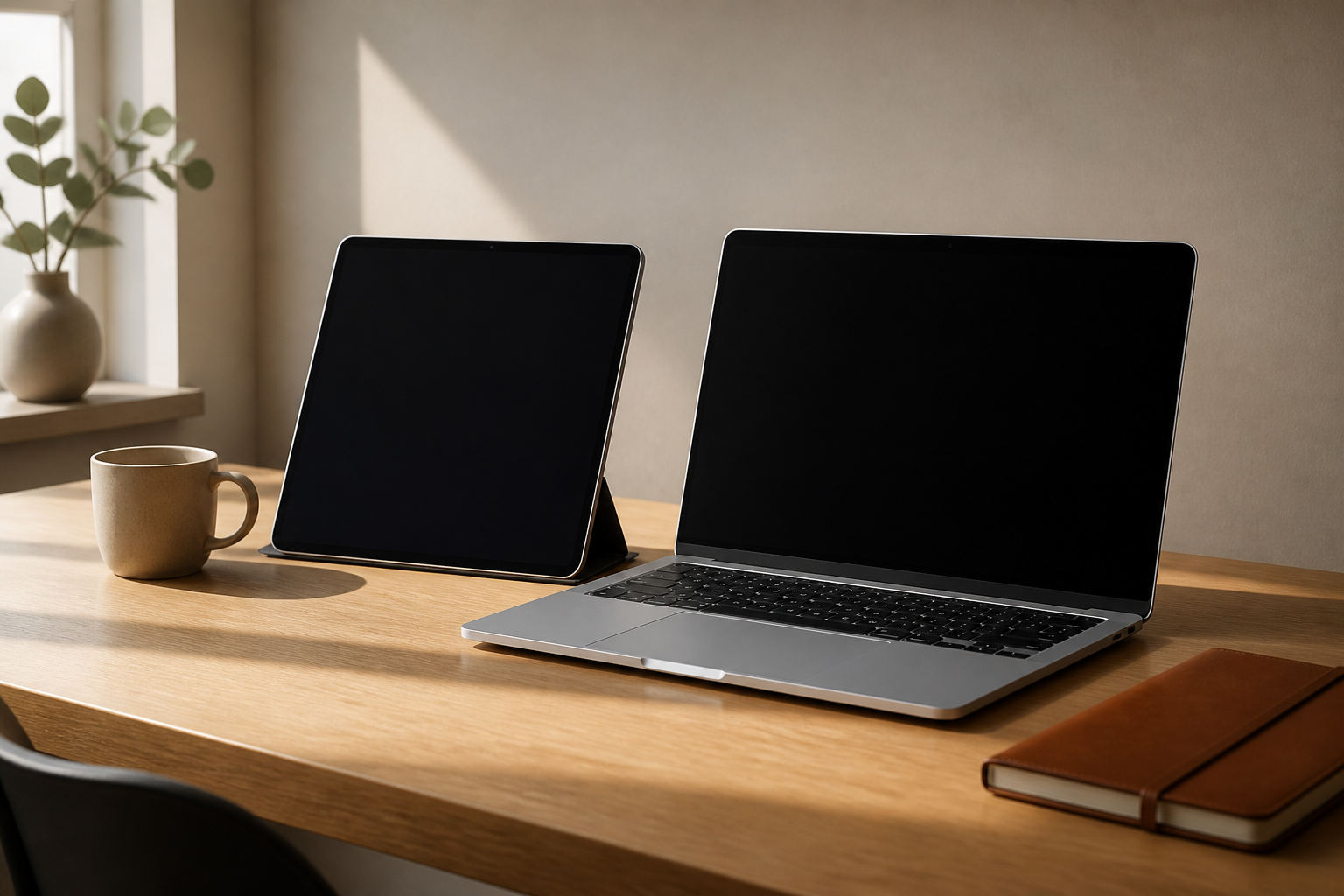
Walk through a university library on a weeknight in the current decade and you will see a roughly even split between students working on laptops and students working on tablets, often with both devices on the same desk. The tablet has stopped being a toy and the laptop has stopped being the only serious tool. ... <a title="Tablet, Laptop, or Both: A Practical Guide for Students" class="read-more" href="https://universitylearningstore.org/2026/04/23/tablet-laptop-or-both/" aria-label="Read more about Tablet, Laptop, or Both: A Practical Guide for Students">Read more</a>
Walk through a university library on a weeknight in the current decade and you will see a roughly even split between students working on laptops and students working on tablets, often with both devices on the same desk. The tablet has stopped being a toy and the laptop has stopped being the only serious tool. The interesting question for a new student is not which one is better, but which combination will actually fit how they work.
The honest answer depends less on the device specs than on three or four habits of work that students often do not realize they have.
What the tablet actually does well
The tablet’s superpower is handwriting. For students in fields that involve diagrams, equations, problem-solving steps and quick visual annotation, an iPad with a stylus is genuinely different from a laptop. The cognitive evidence on handwriting versus typing for note-taking has been litigated for years, and the most defensible reading is that handwriting beats typing for retention in many cases, particularly when the material requires translation from spoken to written form rather than transcription.
The other thing tablets do well is reading. A 10-inch screen held in one hand, with PDF annotation built in, is a closer analog to reading a book than a laptop is. Students who do a lot of assigned reading often find that they read more carefully on a tablet because the form factor invites a different posture. They are not in front of a desk; they are reading.
For specific use cases, this matters more. Architecture and design students sketch on tablets. Engineering students work problems by hand. Medical students annotate textbooks and slides. In any field where the work involves drawing, marking up, or thinking in two dimensions, the tablet earns its keep.
What the laptop still owns
The tasks the laptop dominates have a common shape: they involve typing, and they involve multiple windows. Writing a paper with three sources open in a browser, a Zotero panel for citations, and a word processor full-screen is a workflow that fits a laptop and feels awkward on any tablet, regardless of how well the tablet’s split-screen mode works. The keyboard is the central artifact, and the multitasking model assumes overlapping windows.
Programming is another laptop-dominant task. The amount of code editing, command-line work, file management and version control involved in a normal computer science course pushes against the limits of tablet operating systems, which are still built around the assumption of one foreground application. Tablet keyboard covers have closed some of the gap, but the workflows that experienced developers use rely on terminal access, multiple panes, and quick file system navigation that the tablet does not match.
Spreadsheet work also belongs to the laptop. Anything that involves financial modeling, data analysis, or large tabular content benefits from a larger screen, a real keyboard with function keys, and the navigation precision of a trackpad. Tablet versions of spreadsheet software exist and are competent for review, but they are not where the work happens.
The middle ground: when both make sense
For many students, the practical decision is not one or the other but how to combine the two without spending money on overlap. A few patterns work well.
The laptop-plus-tablet combination is common among students whose courses split between handwriting-heavy work (mathematics, sciences, design) and writing-heavy work (essays, reports, programming). The tablet handles the lecture notes, problem sets and annotated readings. The laptop handles the long-form writing and any technical work. The two devices sync notes through cloud storage, and the student moves between them depending on what they are doing.
The laptop-only setup works for students whose course load is dominated by writing, programming, business cases or quantitative work that lives in spreadsheets. Adding a tablet to this profile is a luxury, not a necessity. The money spent on a second device often goes further in a better keyboard, a portable monitor, or simply a more capable laptop.
The tablet-only setup is the rarer choice, and it tends to work for students in fields where most coursework is reading, annotation and short writing. Some art and design programs lean this way, especially for students who pair the tablet with a desktop computer back in the dorm room for the heavier work.
The cost question is not the price tag
Both devices look expensive. The real cost over four years is not the purchase price but the accessory inflation. A tablet without a keyboard cover and a stylus is a different tool than a tablet with both. A laptop without sufficient memory for the field’s standard software will be replaced before graduation. A docking station, an external monitor, a backup drive, a printer credit – these add up to more than the device itself in many cases.
The students who spend least over four years are the ones who pick a device profile that fits their actual work and resist the temptation to upgrade for marginal gains. A reliable midrange laptop with enough storage and a tablet from an earlier generation often serve a student better than the most recent models of both. The technology is mature enough that last year’s flagship is still doing the job this year.
Software fit matters more than hardware
For most students, the choice of operating system has more practical consequences than the choice between tablet and laptop. The university may require specific software for licensing or compatibility reasons – statistics packages, lab notebook applications, proprietary engineering tools – and those requirements drive the platform choice in some majors.
The other constraint that often gets overlooked is the file ecosystem the student already lives in. A student who has built a personal workflow around Google Drive will find any device that supports a modern browser sufficient. A student who has invested heavily in iCloud and the Apple ecosystem will pay a hidden tax for switching platforms. A student who needs to collaborate intensely with classmates on a single document type will benefit from matching whatever their team uses.
The school’s IT department may have opinions on this, and the opinions are usually worth knowing. Some schools have institutional licenses that make particular software free on certain platforms and expensive on others. Some have technical support that only handles certain operating systems. The student who arrives on campus and asks these questions, rather than discovering the friction in the second week, saves themselves some pain.
One under-appreciated consideration
The single most useful upgrade for almost any student, regardless of which device profile they choose, is a comfortable typing setup at their primary study location. A laptop balanced on a thigh on a bed is not where serious writing happens. A tablet on a wobbly cafe table is not where serious reading happens. The two-hour study block done at a real desk with a real chair produces more output than the four-hour study block done in whatever posture happens to be available.
The hardware question, in the end, is mostly downstream of the work-habit question. The students who think hardest about what work they are actually trying to do, and what posture and environment let them do it, tend to pick devices that fit, and tend to use them well. The students who buy what their friends have, or what the marketing campaign suggests, end up with expensive equipment that does not match how they actually study.
If you are deciding right now
The least wrong default for most incoming students is a competent laptop with enough memory to handle their field’s software, plus access to a tablet they already own or can borrow for the use cases where it shines. If that combination works for the first semester, the second device decision can wait until the actual workload makes the choice obvious.
The students who buy everything in August often discover in November that they used about a third of what they bought. The students who wait to see what they actually need usually end up with a cheaper and better-fitting setup than the one they would have assembled on day one.
